Use MailMan with ChatGPT.
Check this client’s connection requirements. Current-version authentication and tools have not been verified for this client.
Connect through the existing service.
DEMO · Synthetic account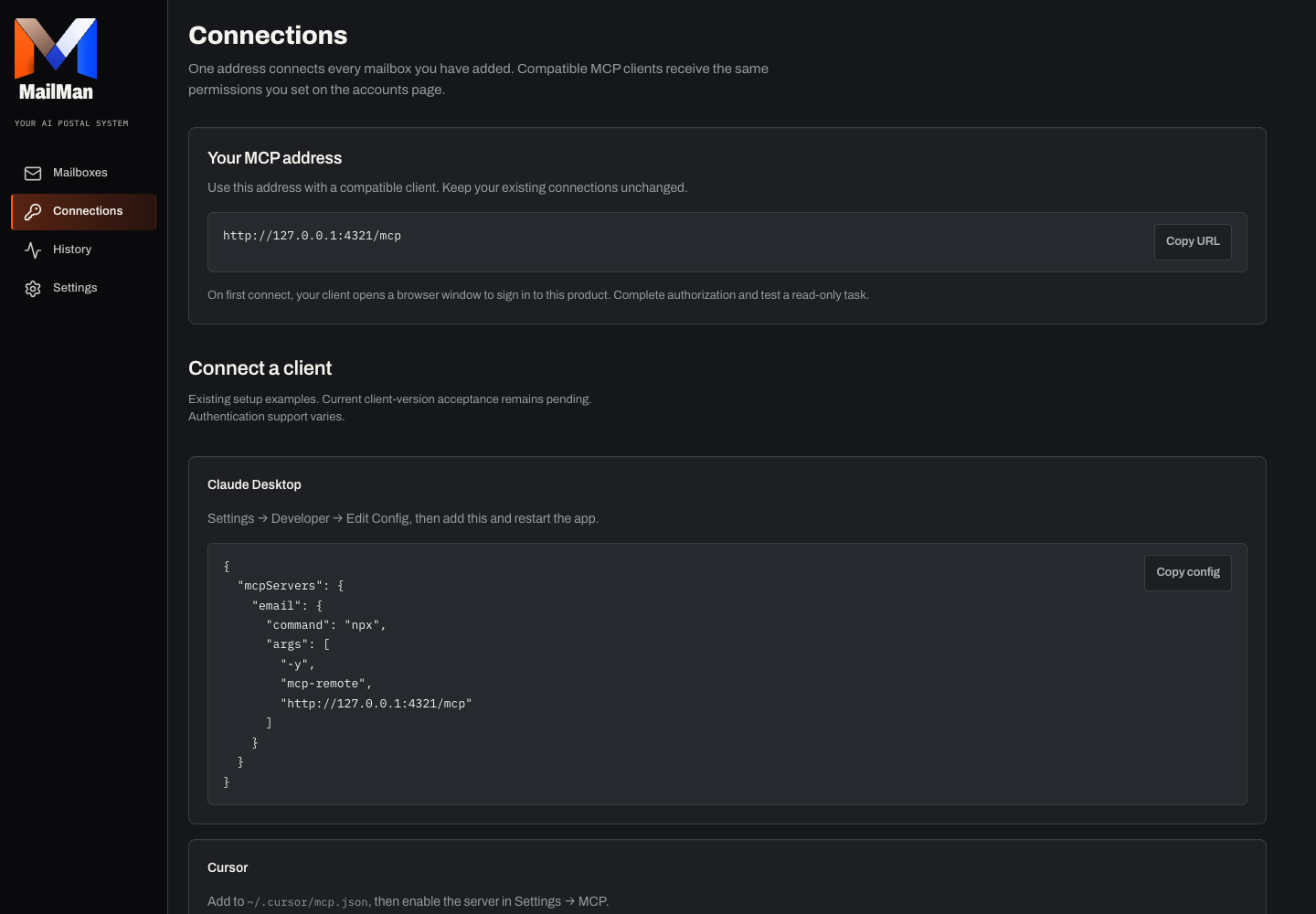
Separate sign-in and authorization
Sign in to MailMan, connect a mailbox and review its permissions.
Open Connections and copy the actual MCP address.
In a client version and plan supporting remote Streamable HTTP and compatible OAuth, add the connection and complete browser authorization. Otherwise use a supported personal-token connection; never paste the token into chat.
List authorized email accounts, select one and try a read-only search. Inspect source identity, permission failures and any partial results.
Before relying on it
Client menus, versions and subscription requirements can change. This client still needs a dated authentication and tool-call check. Follow its official setup documentation and your Connections screen; keep the existing application service address.
Troubleshooting and revocation
If authorization does not finish, verify the client transport/authentication support. Revoke its personal token or authorization when no longer needed; disconnect mailbox credentials separately.

YOUR INBOXES.
UNDER CONTROL.
Get started Start with a free account and one read-only search. Existing accounts keep their connection.